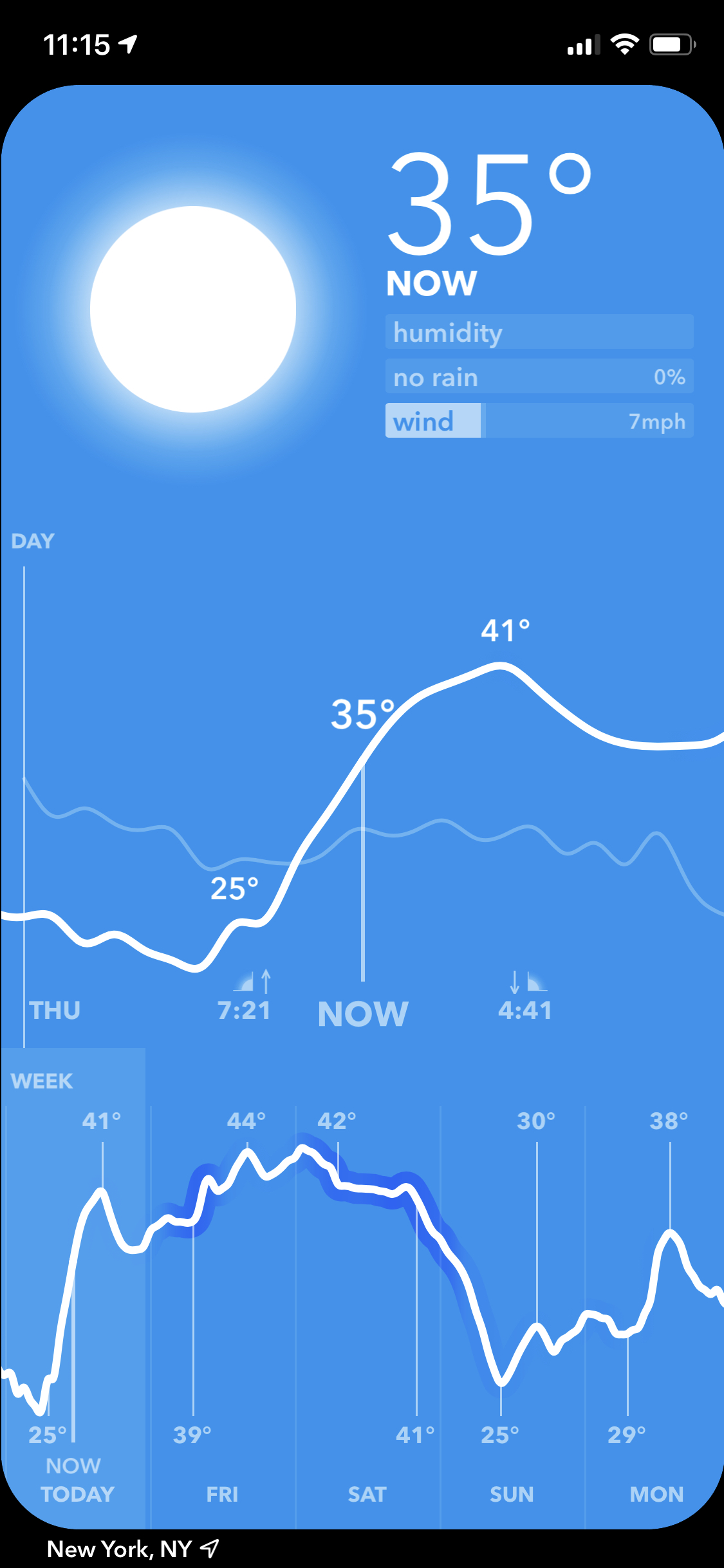

Weather Range
See all your weather at a glance, on iPhone and Apple Watch
Download on the App StoreNew in 2.0
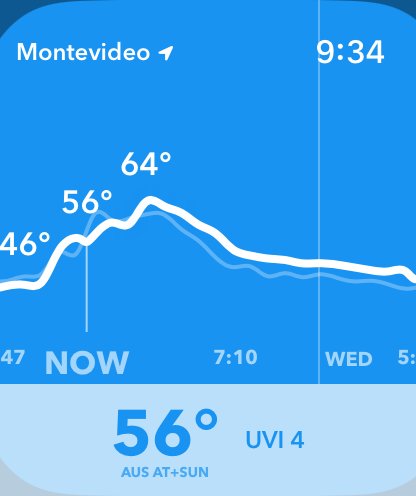
Apple Watch
A full Weather Range app on your wrist. Turn the Digital Crown to scroll through the next day and the rest of the week.
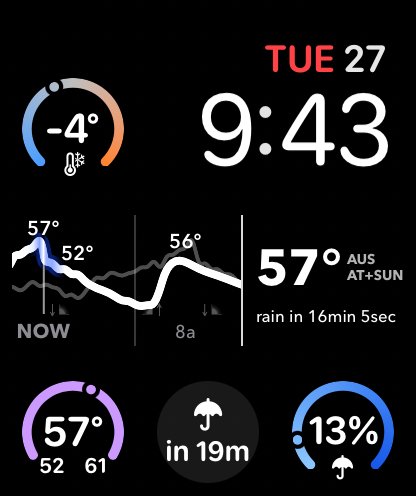
Complications put the temperature timeline, the time until it rains, or the single most relevant stat right on your watch face.
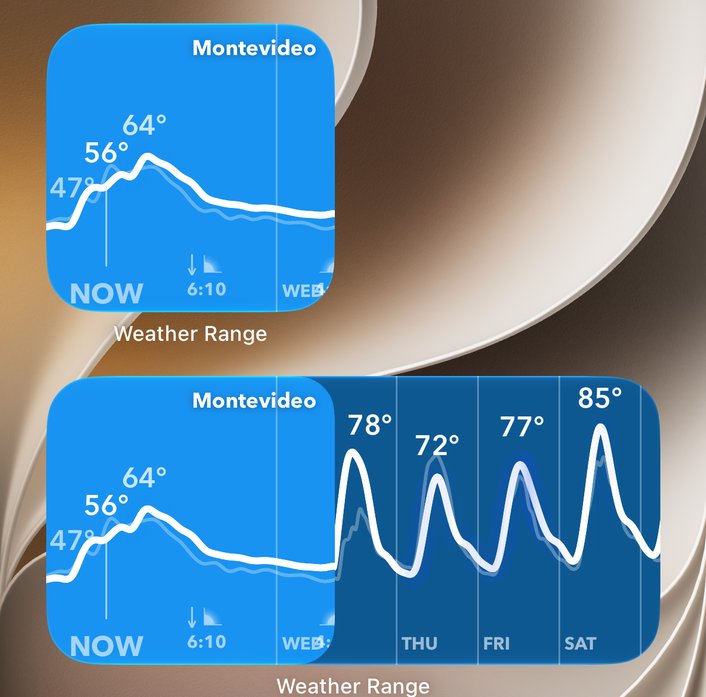
Widgets
Put the line on your Home Screen. The small widget shows the temperature through the day, and the medium one adds the rest of the week.
Each widget can follow your location or show a place you’ve saved.
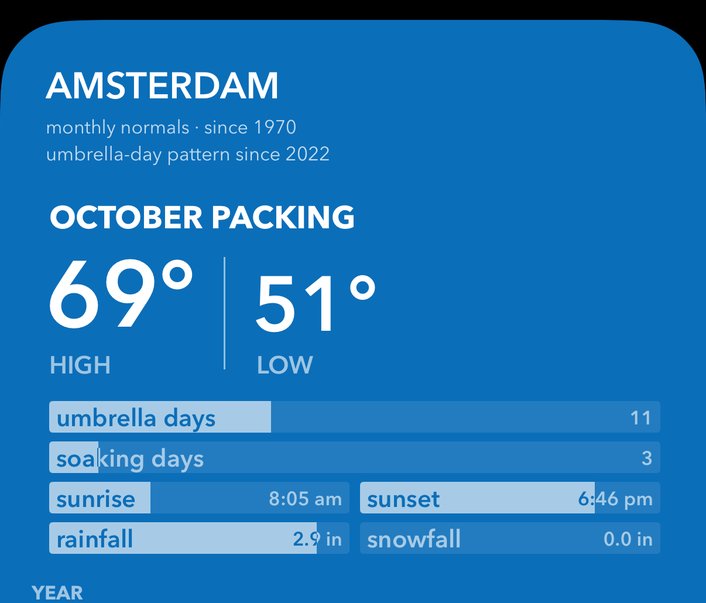
History
Planning a trip? See what each of your places is typically like in any month: the daytime high and overnight low, how many days you’ll need an umbrella, snow, sunrise and sunset.
It’s built from several years of real observations.
Rain timing
Your watch tells you exactly when the rain will start: “rain in 16m” instead of a vague percentage. Where available, it uses minute-by-minute precipitation.
Feels like, your way
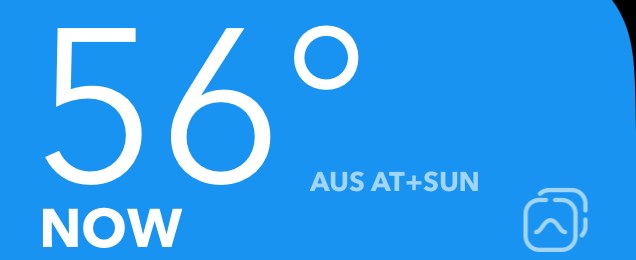
Choose how “feels like” is calculated: Apple’s WeatherKit value, the NWS Heat Index, the Australian Apparent Temperature (with or without the sun), or UTCI.
The label always tells you which one you’re looking at.
24 Hour View
Compare today’s forecast to yesterday’s. The ghost line shows the temperature 24 hours earlier, so you can see how the weather is changing day to day.
Sunrise and sunset are marked on the line to orient you in the day.
Now
Humidity shows how muggy it feels, not some arbitrary percentage.
Rain shows how likely you are to need an umbrella.
Wind shows how bad the gusts are.
Week at a glance
All in one screen, you can see what the weather is now, today, and for the week.